Templates
Start from the template your printer uses.
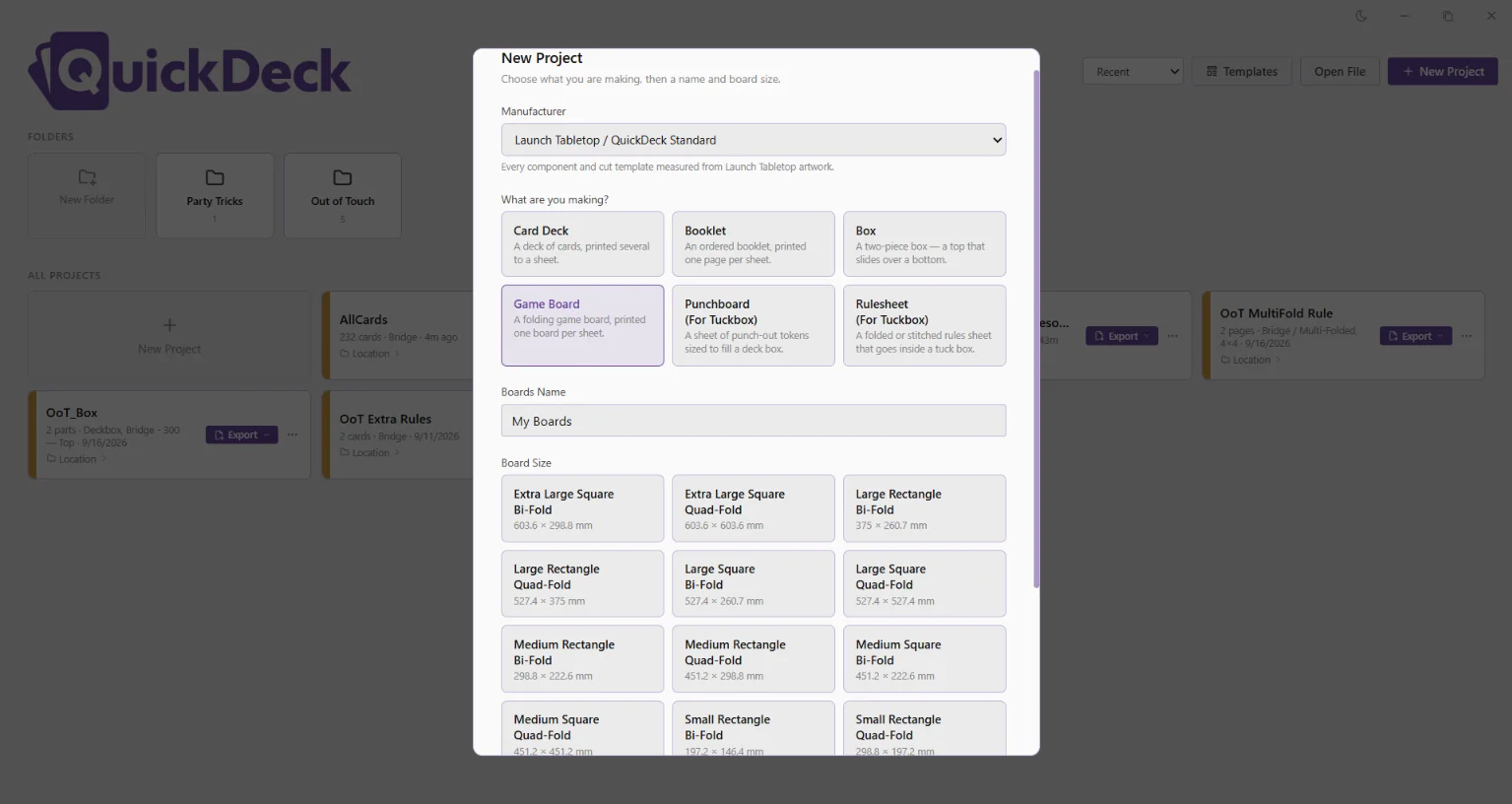
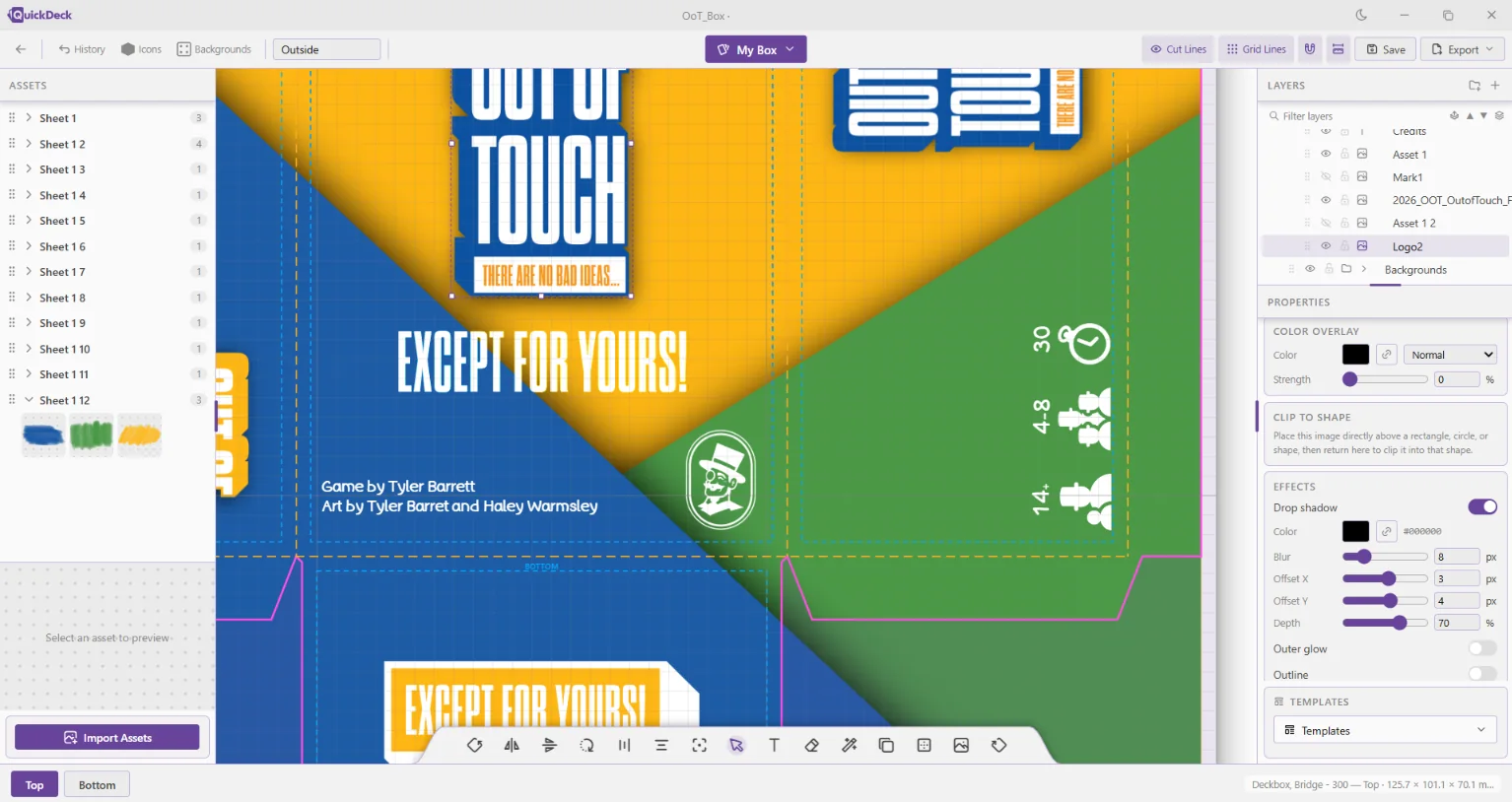
Choose your manufacturer’s cut template and QuickDeck draws the bleed, trim line and safe zone for you. Everything you place sits exactly where the printer will cut.
One purchaseNo subscriptionAll yours
With free support and patches.
Coming soon to Windows, macOS, and Linux!
QuickDeck allows you to lay out your board game components on real manufacturer cut templates and export print-ready PDFs and PNGs. Leave your email and we’ll let you know the day it launches.
We’ll email when QuickDeck launches.
Learn more
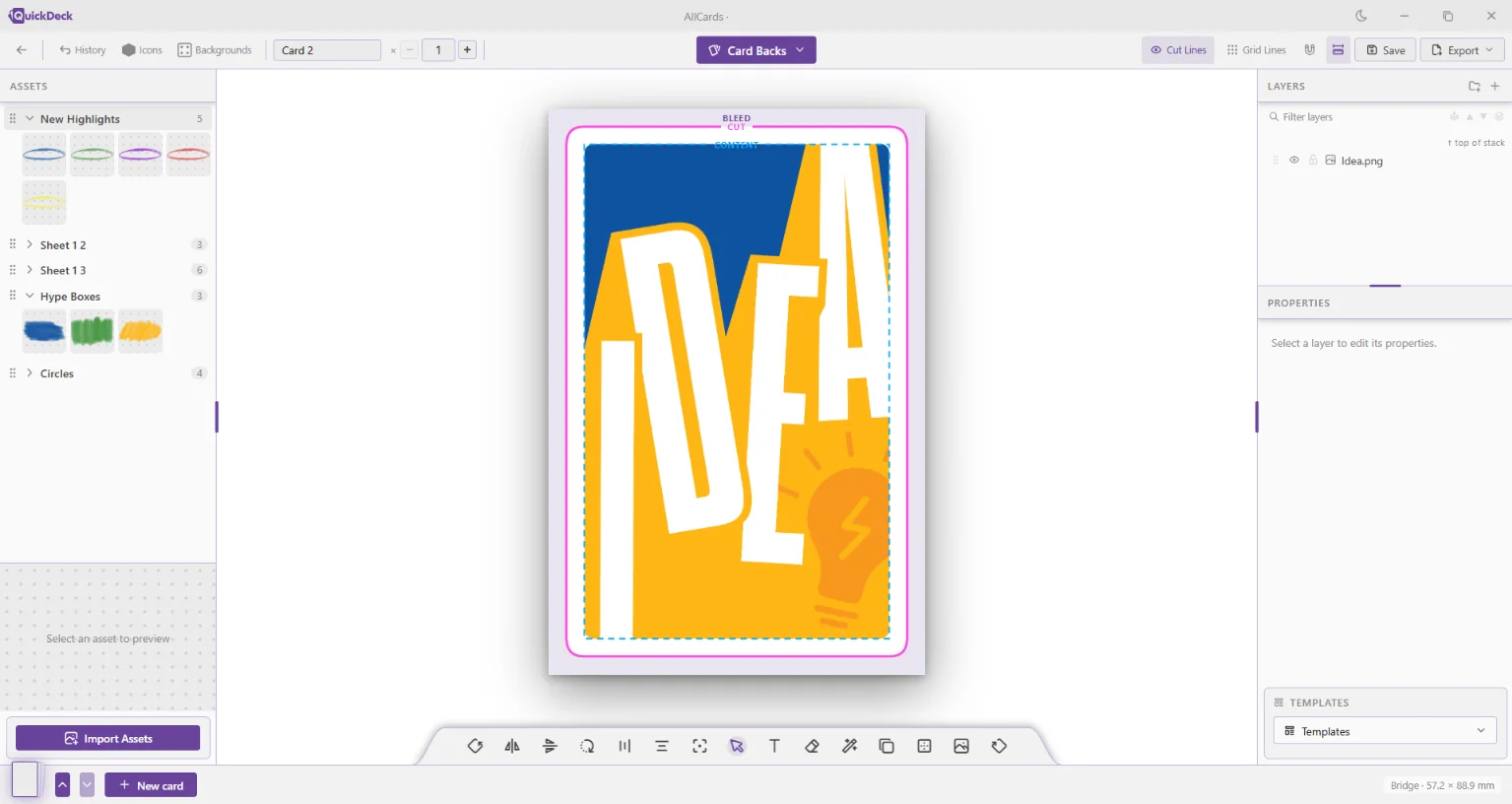
Prototyping a board game means laying out dozens of cards, a box and a rulebook, then wrestling with bleed, trim and cut lines before anything prints correctly. QuickDeck handles that part, so you can get back to designing the game.
At a glance
Print-ready templates for your preferred manufacturer, with custom print template importing and creation.
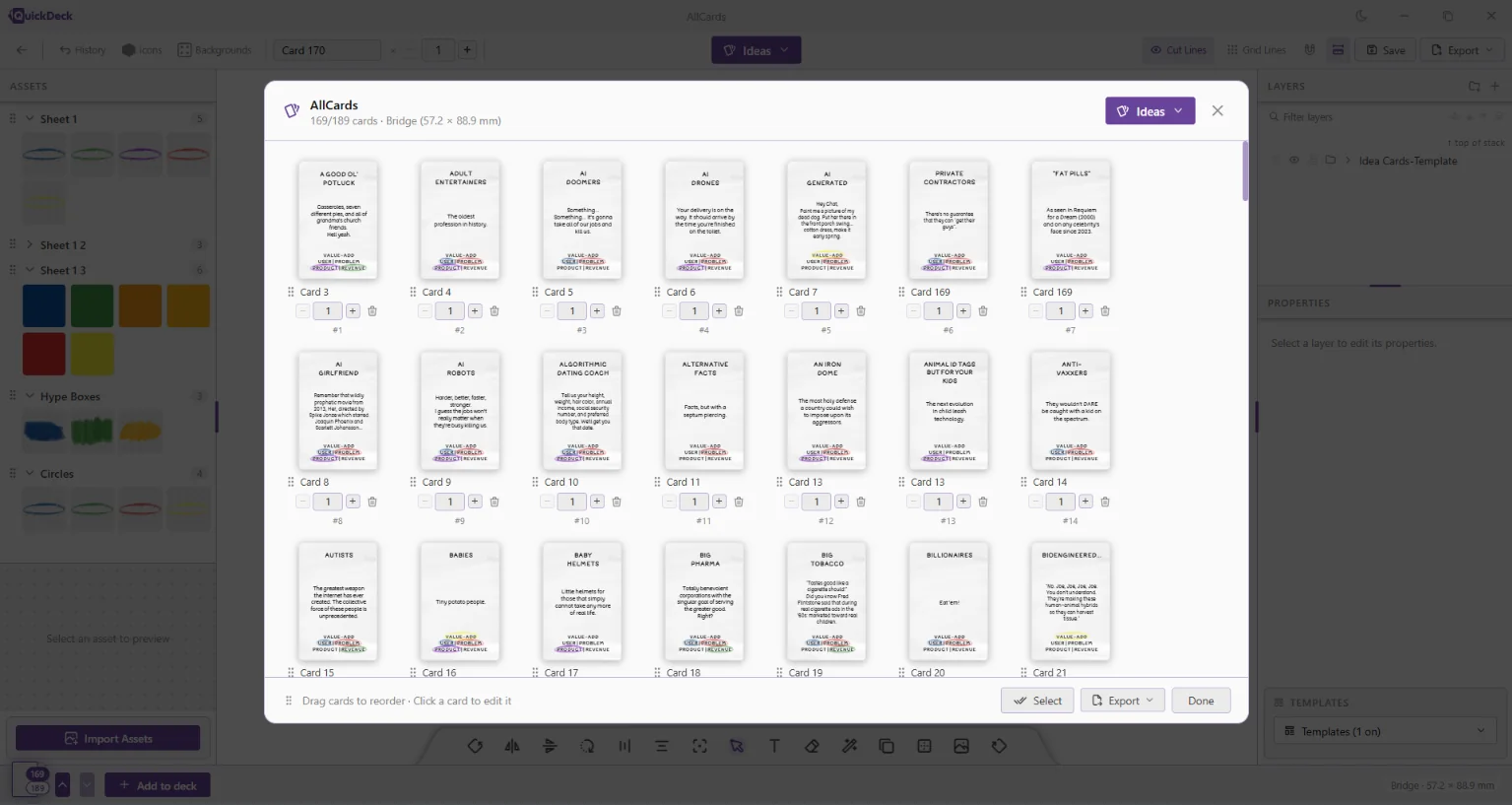
Make a template for a component once, then easily activate that layout on every matching component type.
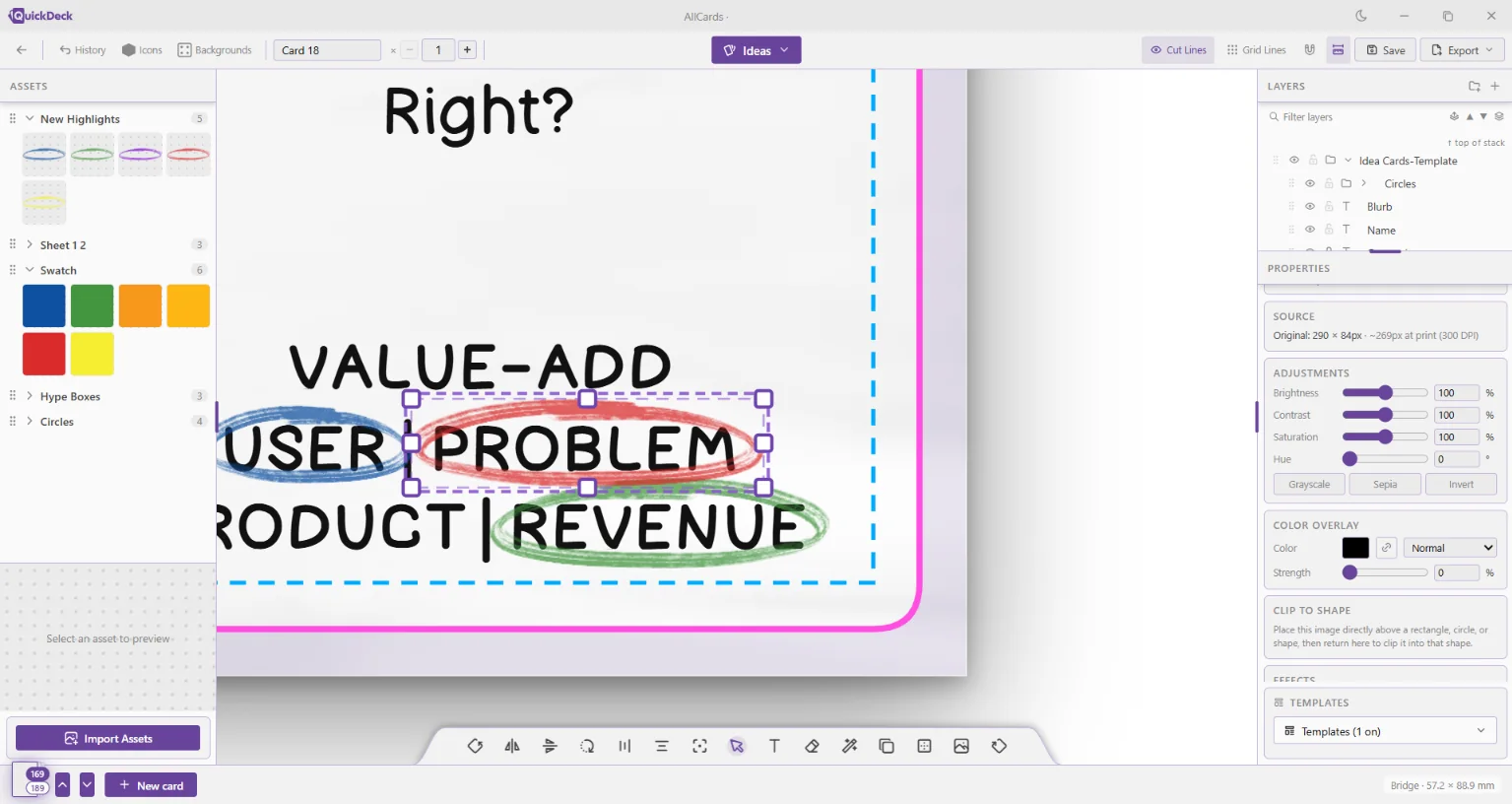
Manage layers and assets in two intuitive libraries.
When the art is ready, easily import and separate asset sheets and swap the placeholder art for the real thing across the entire project. One click, every instance of the asset.
Changing component sizes has never been easier. Simply select the new component size and watch QuickDeck intelligently resize and reposition every layer and asset to match the new dimensions!
Templates
Choose your manufacturer’s cut template and QuickDeck draws the bleed, trim line and safe zone for you. Everything you place sits exactly where the printer will cut.
Components
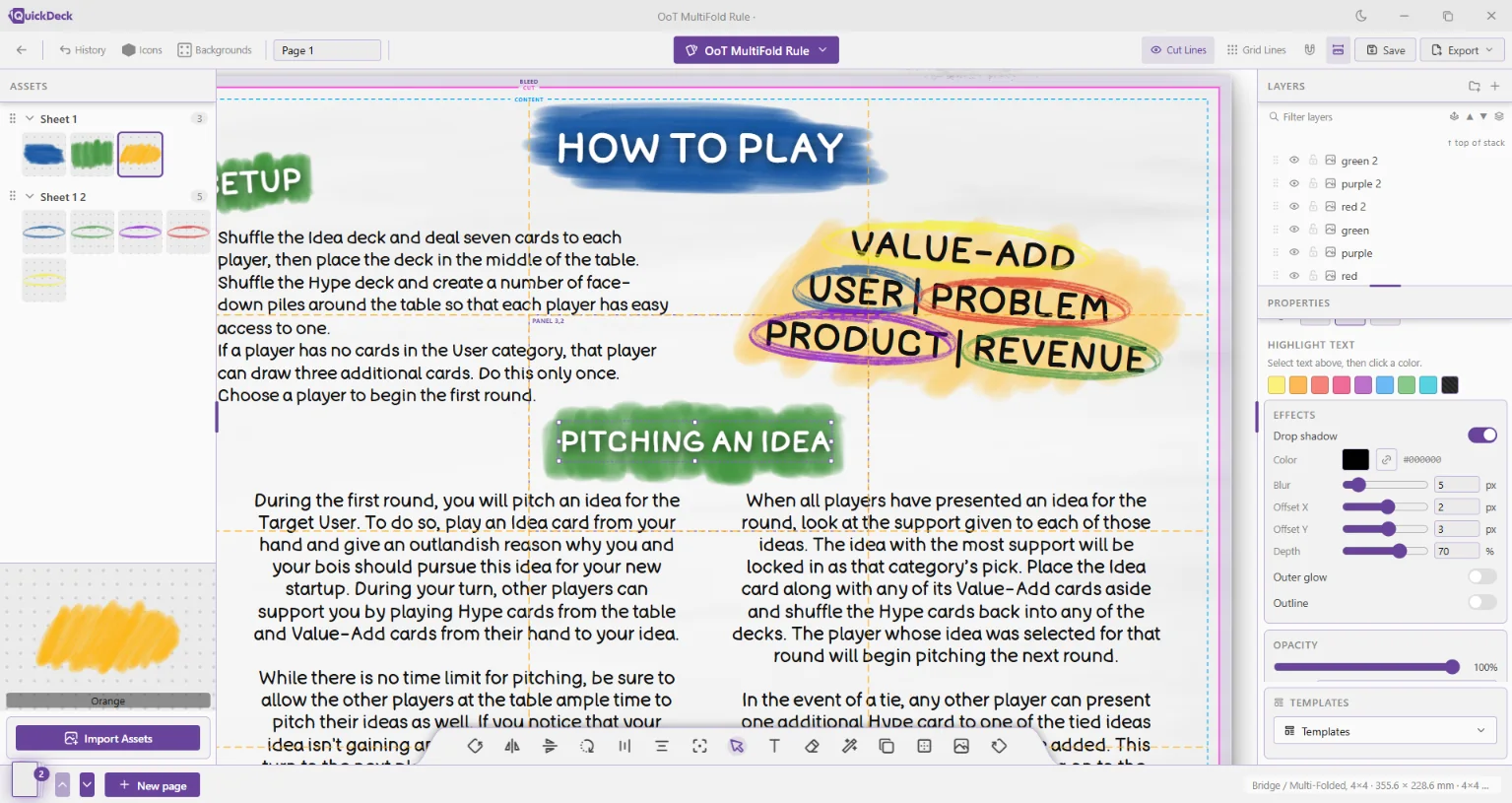
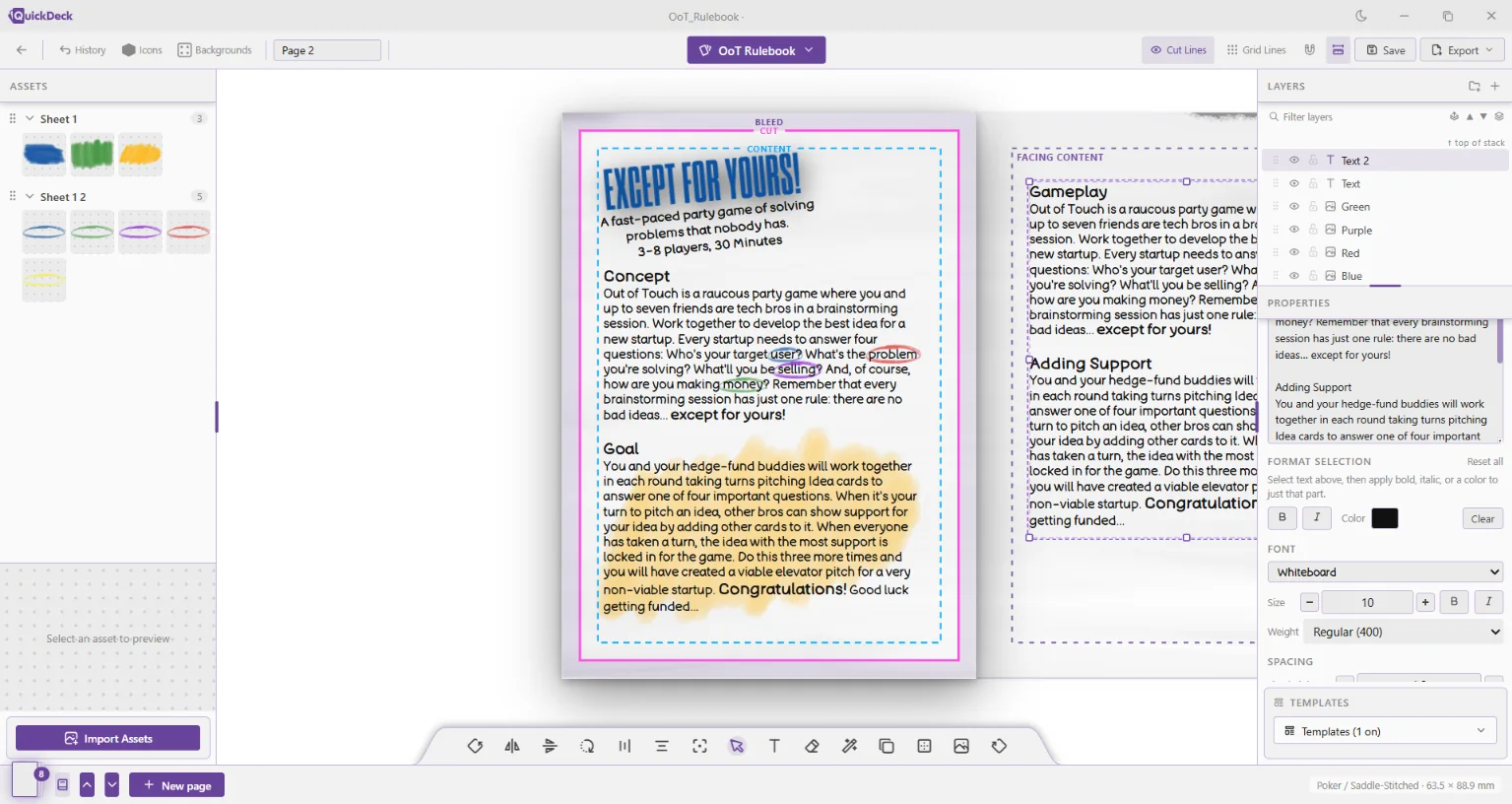
Lay out card decks, boxes, booklets, punchboards and rulesheets side by side, so your whole game stays consistent from the box lid to the last card.
Export
Export the files your print-on-demand service, local print shop or home printer needs, sized to the template and ready to upload.
Shapes & icons
A built-in library of shapes and icons covers the frames, banners, costs and symbols most cards need, so you can block out a playable layout before the final art exists.
How it works
Start with your manufacturer’s cut template for cards, boxes or booklets. All built right into the app!
Use intuitive, efficient, and cutting-edge features to create your components!
Export print-ready PDFs or PNGs and send them to your printer.
Who it’s for
Making a game for your family or game group? Get clean, playable prototypes without learning professional design software.
Designers and publishers who iterate quickly and need files a manufacturer will accept the first time.
Promo cards, replacement pieces, event decks and one-off gifts, each sized to print correctly.
QuickDeck is being built by a board game designer, alongside multiple in-development games. Every build is tested by printing real cards, boxes and rulebooks and checking them against the template.
Questions
QuickDeck is in active development. Join the email list and you’ll hear the moment it’s ready. Aiming for Q1 2027.
QuickDeck is in development for Windows, macOS, and Linux. System requirements are yet to be determined, but the app is intended to be very low to the ground.
Pricing will be announced at launch. People on the email list hear first.
QuickDeck is being built with industry standards and conventions in mind. It will be familiar to many and accessible to most. We will launch with an extensive documentation page and a suite of video tutorials to help anyone get started making games!
Leave your email and we’ll let you know when it’s ready.
We’ll email when QuickDeck launches.